How to Pay Automatically
If you have any problems, please contact me with the specific issue you are having.
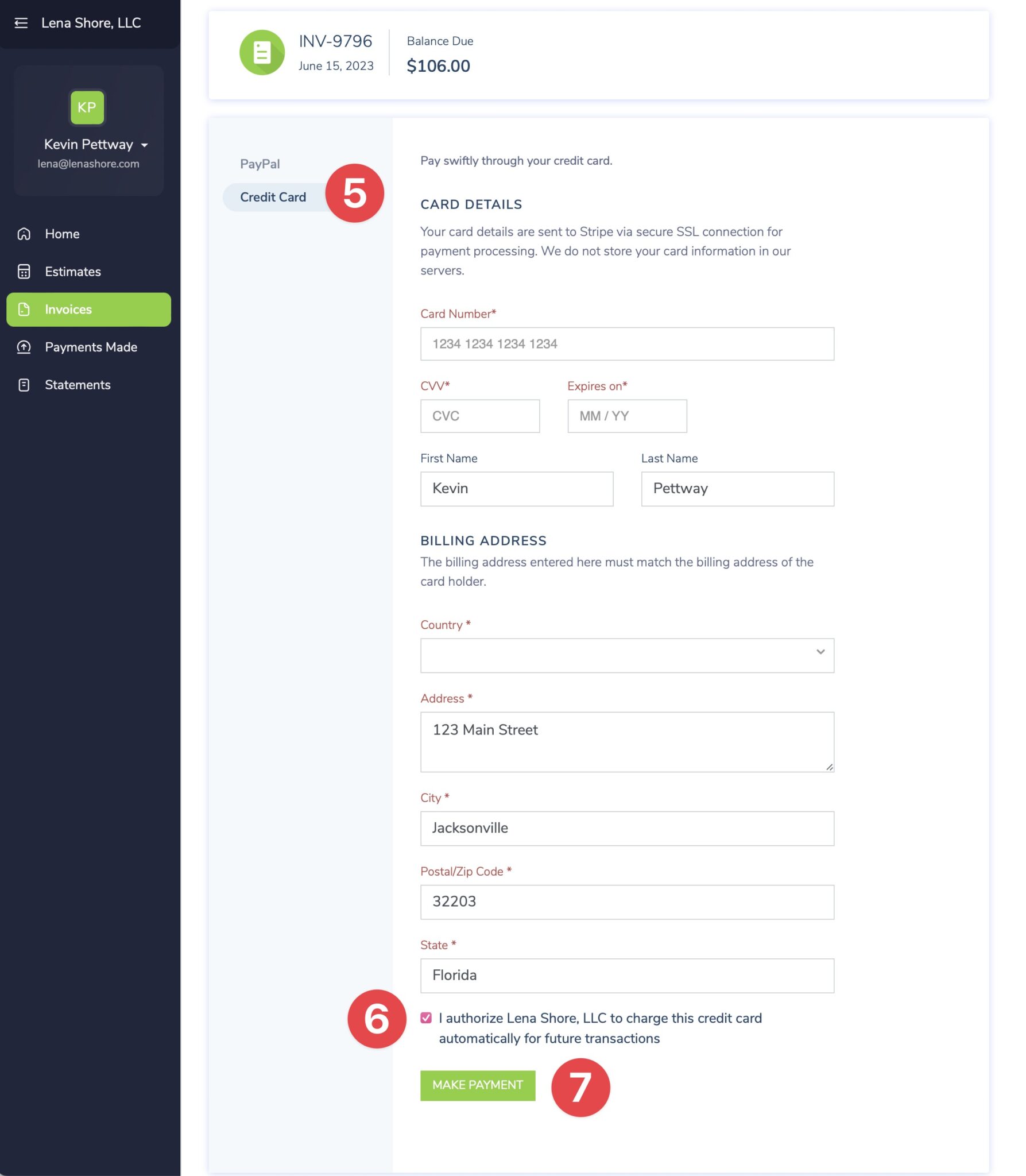
- Login: https://books.zoho.com/portal/lenashore/login
- If you forgot your password, click the "Lost Password" link to have a password reset emailed to you.
- If you don't have portal access, click the "Sign up" link.
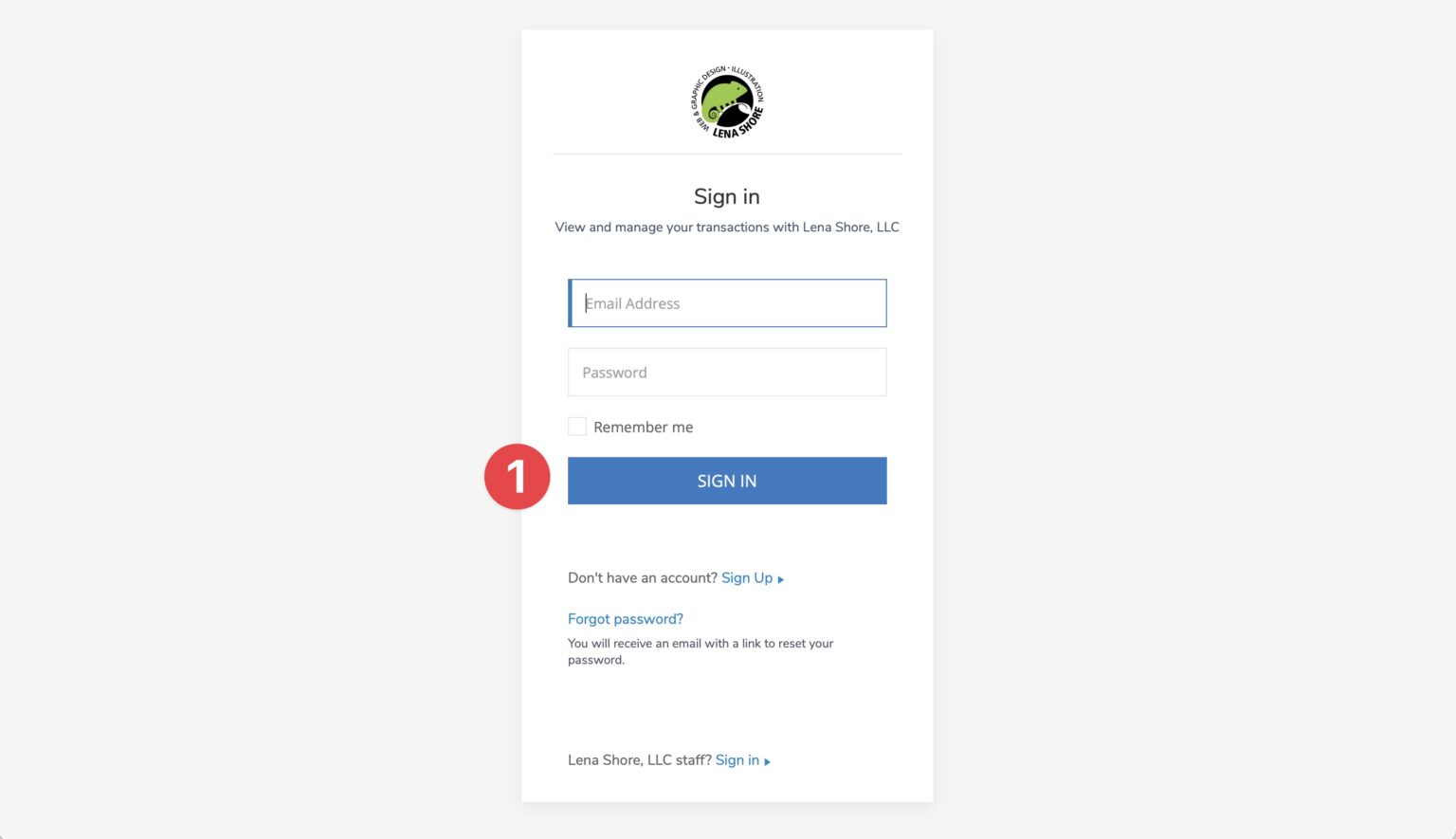
2. Click the "Invoices" tab.
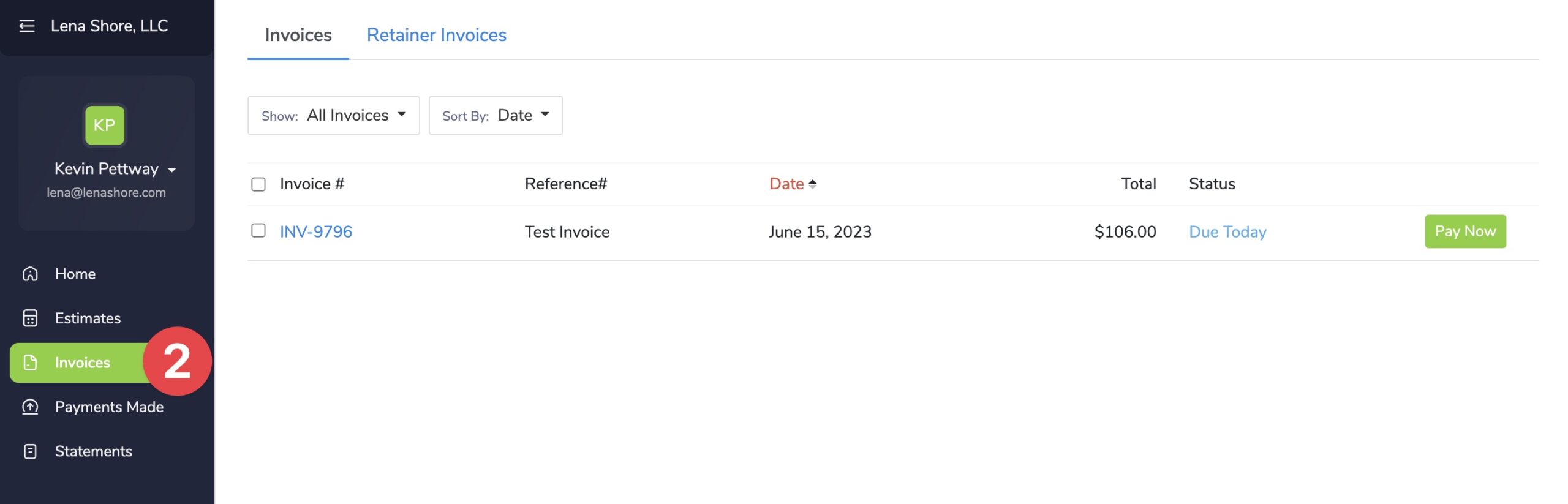
3. Select an invoice to pay by clicking the "Pay Now" button.
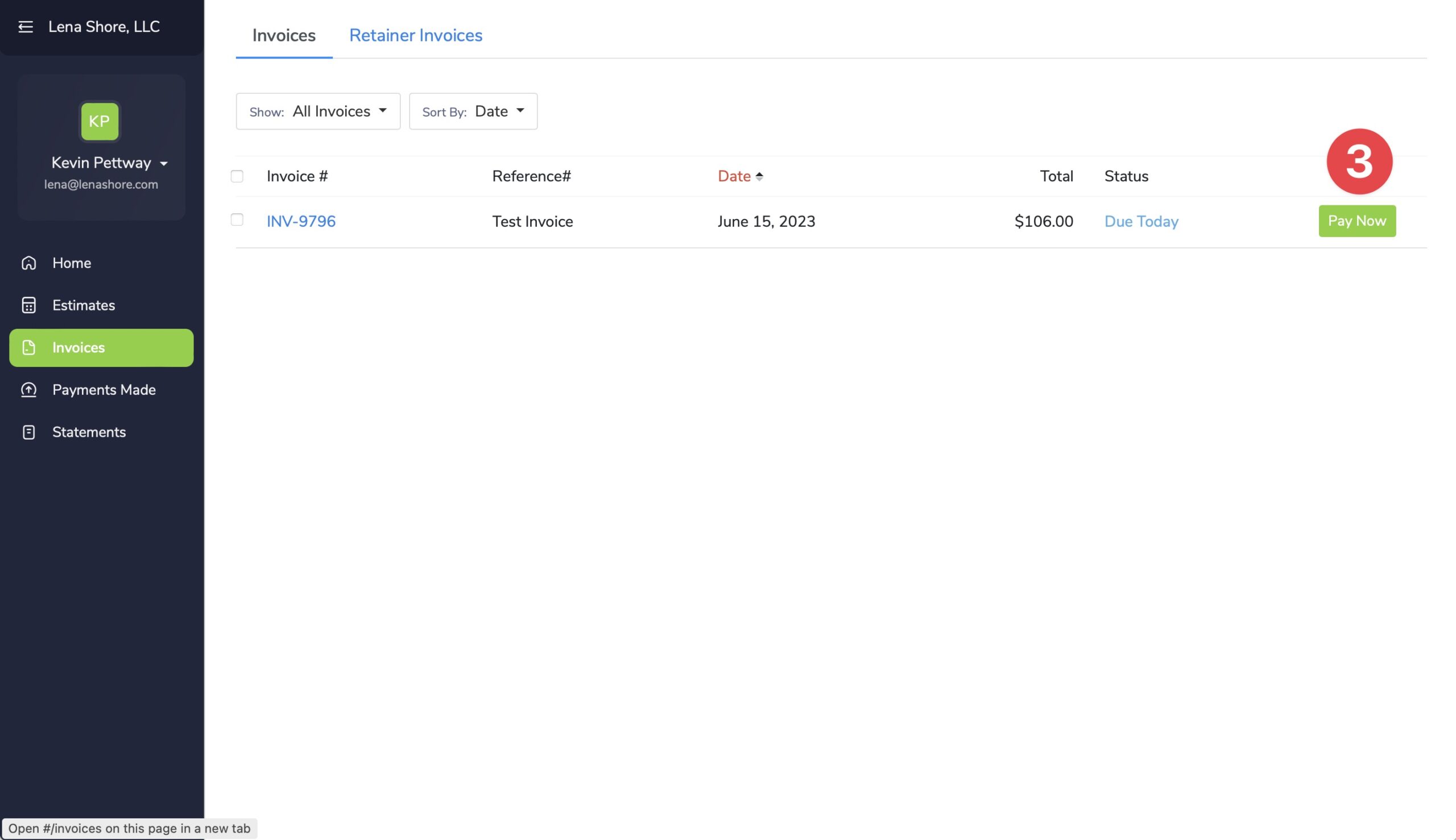
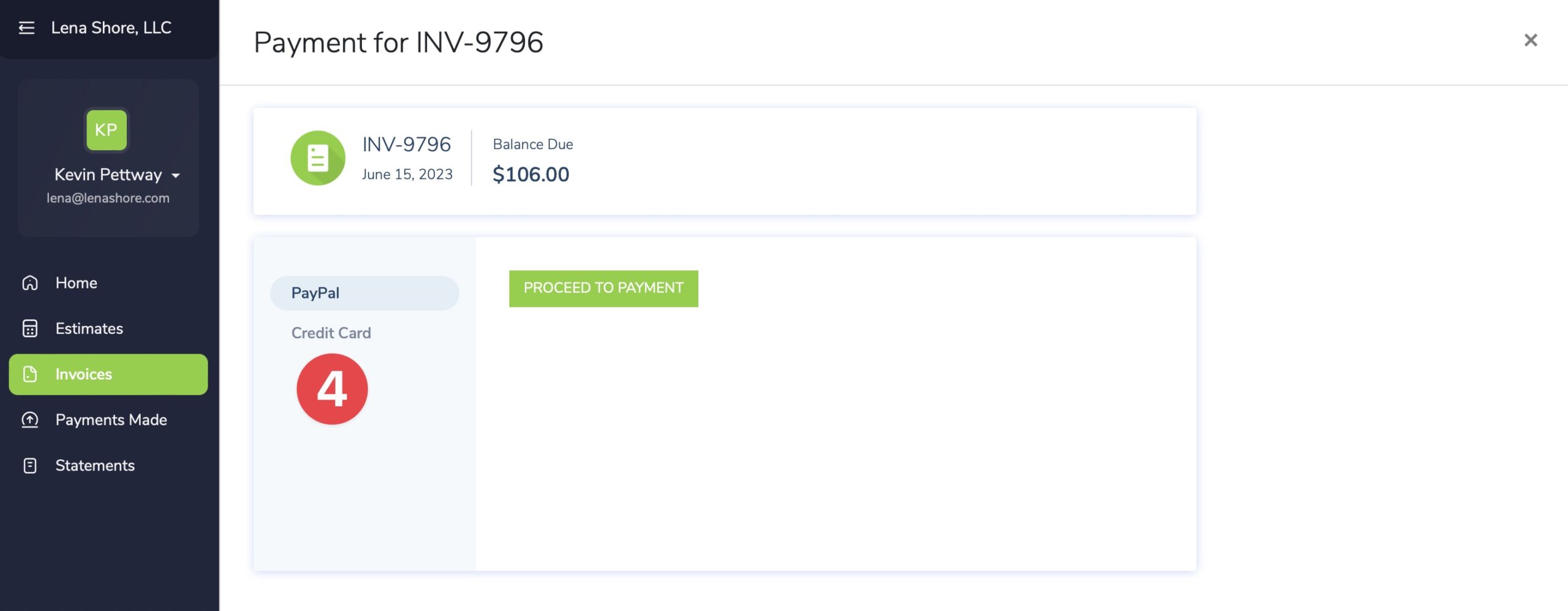
4. Select the "Credit Card" option.
5. Fill out the credit card information
6. Make sure to check the authorization box to use this credit card for future payments.
7. Now choose "Make Payment"